Contact Us

If you still have questions or prefer to get help directly from an agent, please submit a request.
We’ll get back to you as soon as possible.

Please fill out the contact form below and we will reply as soon as possible.

  • Knowledge Base MINI
  • Contact us
English (US)
US English (US)
DE German
  • Home
  • Working with orderbird PRO
  • Fiscalization in Austria (RKSV)
  • RKSV Basic Package: Upgrade your cash register - explained step by step!

Install the BMF Belegcheck App and Verify Your Startbeleg

Written by Jens B.

Updated at March 13th, 2025

Contact Us

If you still have questions or prefer to get help directly from an agent, please submit a request.
We’ll get back to you as soon as possible.

Please fill out the contact form below and we will reply as soon as possible.

  • First Steps
    Hello new Bird! About your Apple devices Step 1: How to set up your network Step 2: MY orderbird Step 3: How to install and set up the app Step 4 - How to serve your first guest Step 5 - Card payment with orderbird PRO
  • Working with orderbird PRO
    Working Settings Fiscalization in Austria (RKSV) "Kassensicherungsverordnung" in Germany orderbird PRO - Versions and Updates
  • Card payment
    Your start with card payment with orderbird PRO and Worldline Your start with card payment with orderbird PRO and Nexi Germany Your start with American Express Working with orderbird card payment Pay Terminal Plus (WiFi card reader) Pay Terminal One (Bluetooth card reader) Card payment on the smartphone
  • Analyze your sales
    Reports on orderbird PRO The DATEV export Reports on MY orderbird
  • Printer & Network
    Printer Network
  • Expand your orderbird PRO
    orderbird PRO Cashbook orderbird Gift Cards Bestellmanagement
  • MY orderbird - Your orderbird business account
    Your account settings on MY orderbird
+ More

Table of Contents

Internet Connection Required Install the BMF Belegcheck App Scan the Startbeleg

Grab your iPad, iPhone, or Android smartphone — you’ll need it to verify your “Startbeleg” (initial receipt) with the Belegcheck app from the Bundesministerium für Finanzen (BMF - Federal Ministry of Finance).

Internet Connection Required

Make sure this device has an active internet connection!


Install the BMF Belegcheck App

  1. Open the App Store on your Apple device or the Play Store on your Android smartphone and search for “BMF Belegcheck”.
  2. Download the "BMF Belegcheck" app.
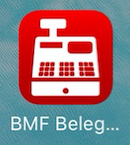
    Please note: There is also a “BMF” app, but it does not offer the required functionality. Make sure you download the app called “BMF Belegcheck.” The app’s icon looks like this:
Scan the Startbeleg

  1. Open the BMF Belegcheck app.
  2. Take your printed Startbeleg.
  3. In the app, tap on "Code scannen" (Scan Code).
  4. Your device’s camera will automatically open.
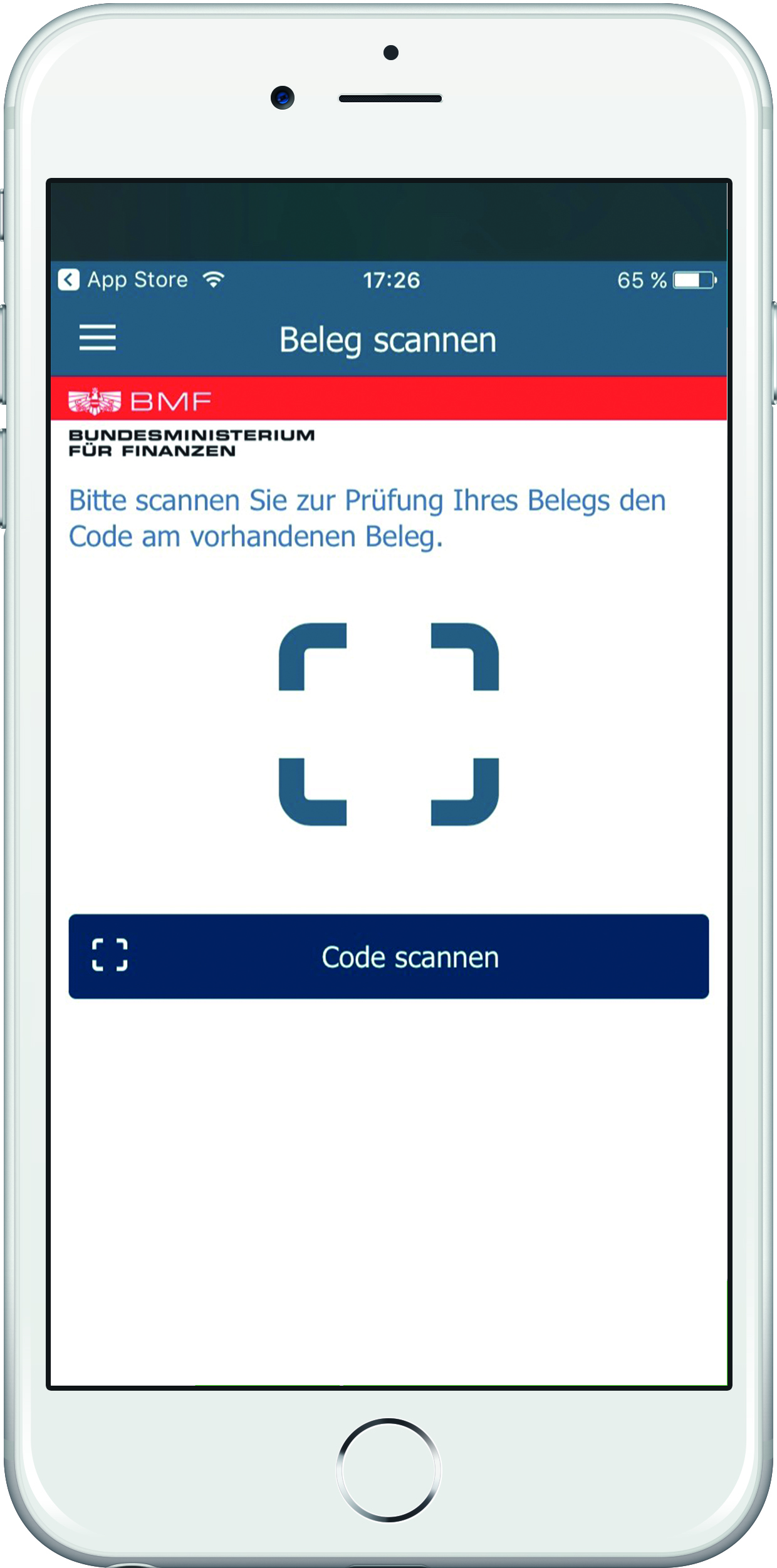
  5. Position the selection window over the printed QR code on the Startbeleg and wait until the four corners of the QR code are marked with green dots and the code stays still within the frame.
  6. A new window will automatically open in the app, prompting you to enter the authentication code from FinanzOnline.
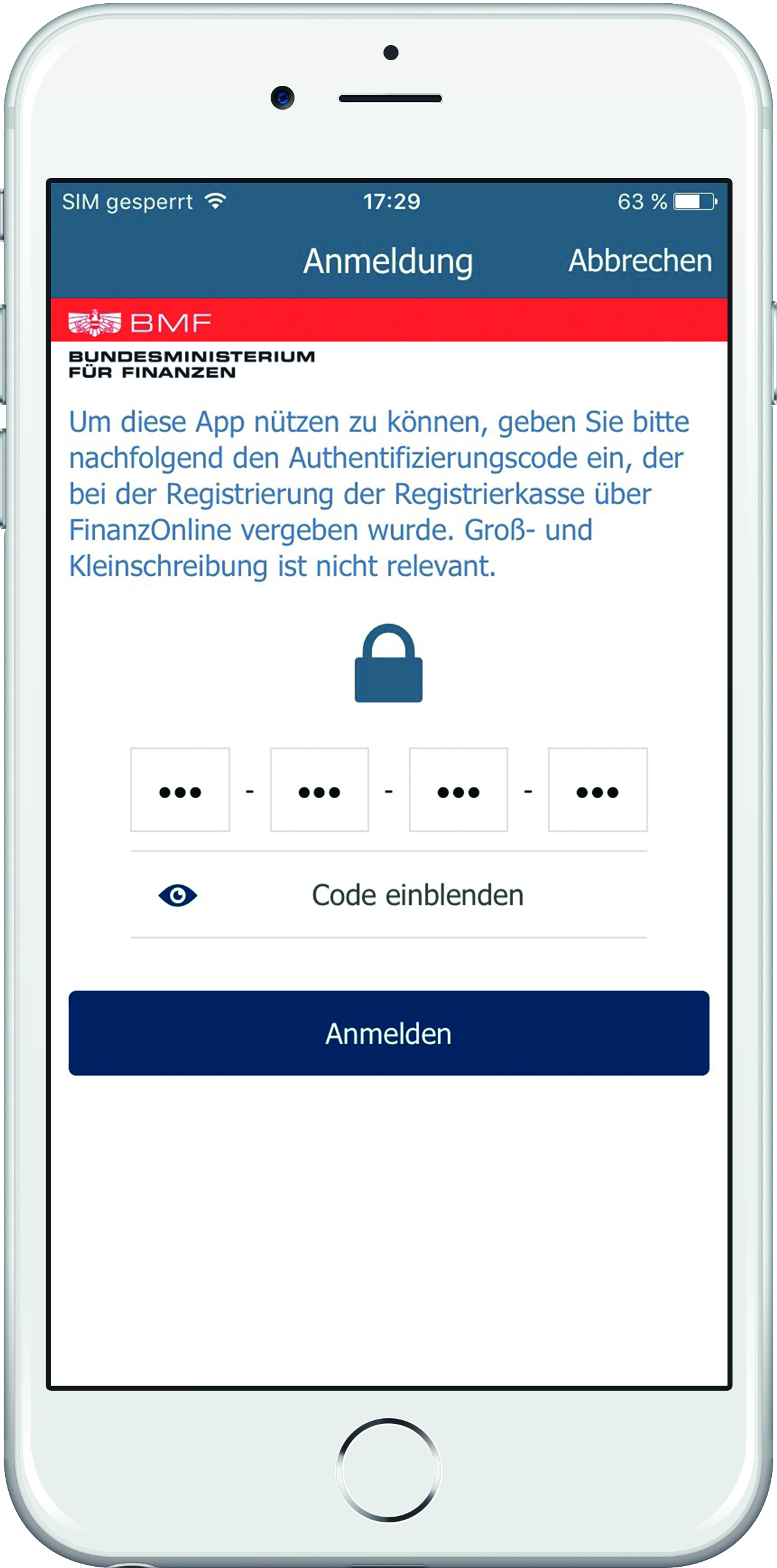
  7. After entering the code, press "Anmelden" (Login).
  8. The app will now transfer the data to FinanzOnline and check whether your system has been set up correctly.
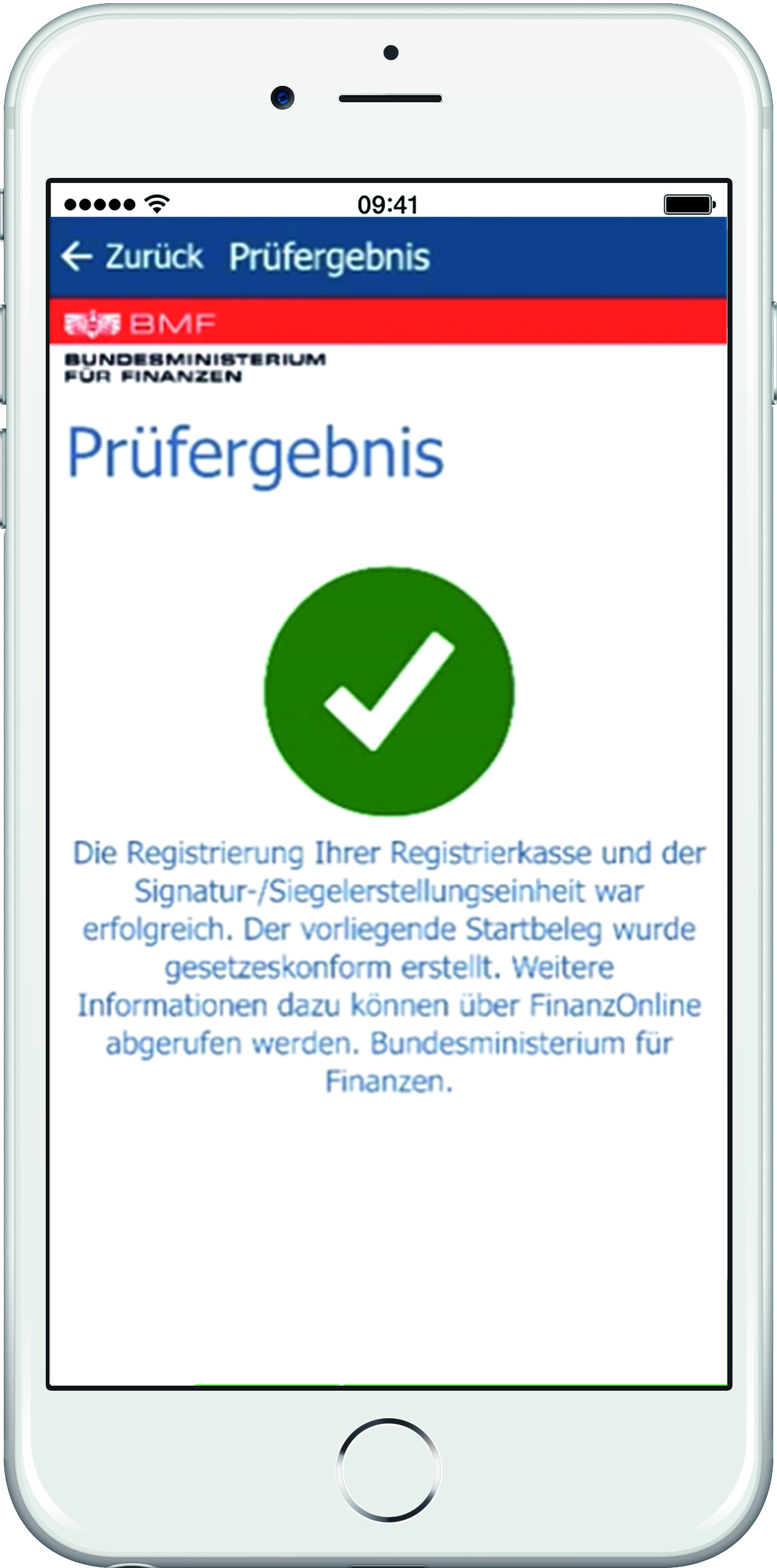
You’re almost there! In the next step, confirm the Startbeleg in the fiskaltrust portal.


<< Back to Step 7
Step 8/10
Next Step >>
verification bmf belegcheck-app

Was this article helpful?

Yes
No
Give feedback about this article

Related Articles

  • Store Your Access Data in the App and Print the Startbeleg | Basis Paket
  • Register Your Cash Register on FinanzOnline.at
  • Register the Signaturerstellungseinheit on FinanzOnline.at
030 208 983 098

About orderbird

With over 17,000 customers — restaurants, cafés, bars, clubs, and beer gardens — orderbird is one of the leading Point of Sales systems for the hospitality industry in Europe. With the mobile POS system orderbird MINI, orderbird also offers a smart cash register solution for service providers, retailers, mobile hospitality, and the crafts.

orderbird was founded in 2011 and today employs more than 120 people.

Address

orderbird GmbH
Ritterstraße 12
D-10969 Berlin
Phone: 030 208 983 098

Opening hours

Monday: 09:00 - 18:00
Tuesday: 09:00 - 18:00
Wednesday: 09:00 - 18:00
Thursday: 09:00 - 18:00
Friday: 09:00 - 18:00
Saturday: Closed (except emergency support)
Sunday: Closed (except for emergency support)


© 2026 orderbird GmbH
  • Imprint
  • Privacy Policy
  • Legal Notice
Expand